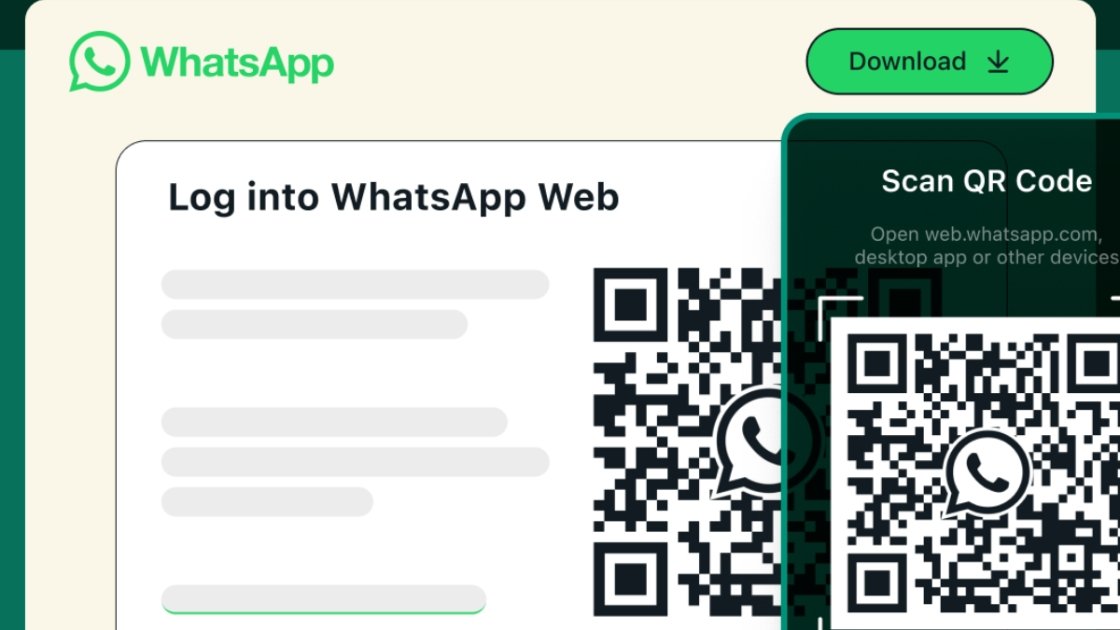
WhatsApp Web has become an essential tool for seamless messaging across devices. If you are looking to develop a website like WhatsApp Web, this guide provides a complete roadmap. From understanding the core architecture to implementing real-time messaging and designing a user-friendly interface, we cover all aspects required to build a web-based chat platform in 2026.
WhatsApp Web is the web version of the popular mobile messaging platform. It allows users to send messages, images, videos, and documents through a web browser. Unlike traditional web apps, WhatsApp Web relies on real-time synchronization with the user’s mobile device, enabling a seamless cross-device experience.
Building a website like WhatsApp Web involves not only front-end web development but also backend infrastructure, security measures, and real-time messaging integration.
Before developing a web app like WhatsApp Web, it is essential to identify the features that make it effective:
Messages appear instantly without refreshing the browser. Real-time updates are crucial for a chat application.
Users can send images, videos, voice notes, and documents seamlessly.
The web app syncs with mobile devices for a unified chat experience.
Privacy and security are essential. WhatsApp Web uses encryption to secure user data.
Web notifications alert users of new messages.
A clean, responsive design ensures usability across different browsers and devices.
Choosing the right technology stack is critical. Here are the recommended options:
Proper planning is essential to avoid issues during development. Follow these steps:
Decide whether your platform will replicate WhatsApp Web entirely or offer additional features.
Understand who will use your web app to tailor user experience.
Sketch the interface layout and navigation flow before development.
Organize user profiles, chat histories, media files, and settings efficiently.
A web app’s design impacts user adoption. Consider the following:
Keep menus and options minimal to reduce clutter.
Ensure the app works on different screen sizes and browsers.
Include features for users with disabilities, such as keyboard navigation and ARIA labels.
Use consistent colors, fonts, and buttons to enhance usability.
Figma, Adobe XD, or Sketch can help create professional designs before implementation.
The backend is the backbone of your web app. Key considerations include:
Implement secure login via phone number or OAuth for account verification.
Use databases to store chat history, media, and user preferences.
Create APIs to send and receive messages, manage contacts, and update user status.
Consider scalable architecture to handle large user volumes without lag.
Real-time communication is the core of any chat web app:
WebSockets provide full-duplex communication between client and server, enabling instant message delivery.
Set up events for sending, receiving, and reading messages to enhance responsiveness.
Integrate browser notifications to alert users about new messages.
Store messages locally if the user is offline, then sync once online.
Protecting user data is paramount:
Encrypt messages before they leave the sender’s device and decrypt on the receiver’s device.
Use token-based authentication and two-factor verification.
Secure databases with encryption and limit access to authorized personnel.
Always use HTTPS to ensure secure communication between the browser and server.
Testing ensures your web app functions correctly:
Test individual components for functionality.
Ensure APIs, database, and frontend work together seamlessly.
Check the app on Chrome, Firefox, Edge, and Safari.
Simulate high traffic to ensure server stability and fast message delivery.
Deploying your web app involves several steps:
AWS, Google Cloud, or Azure offer scalable solutions.
Register a domain name and secure it with an SSL certificate.
Use CI/CD pipelines to automate deployment and updates.
Track server performance and user activity to identify issues early.
After deployment, optimize for performance, usability, and SEO:
Optimize meta tags, headings, and URLs for keywords like “WhatsApp Web” and “web app.”
Compress images, use lazy loading, and minimize scripts to reduce load times.
Collect feedback to improve functionality and UI/UX.
Continuously update security protocols, features, and bug fixes.
Depending on features and team size, it can take 3-6 months for a fully functional web app.
Basic clones can be created with platforms like Firebase, but advanced real-time messaging requires coding expertise.
Modern browsers such as Chrome, Firefox, Safari, and Edge support WebSockets for real-time messaging.
Use encryption, secure authentication, HTTPS, and limit database access to authorized personnel.
Costs vary depending on complexity, tech stack, and development team. A basic version can cost $10,000–$30,000, while advanced apps may exceed $50,000.
Developing a website like WhatsApp Web in 2026 requires a blend of technical expertise, design knowledge, and a focus on security and user experience. By following this step-by-step guide, you can build a high-quality web app that offers real-time messaging, media sharing, and a responsive interface.
At Ranked Solution, we specialize in web app development, including chat applications that mirror the efficiency and functionality of WhatsApp Web. Implement these strategies to create a robust, secure, and user-friendly web messaging platform.





Leave A Reply Now